Top 11 Accounting Automation Software Solutions for 2026



Summary:
Accounting firms are under more pressure than ever; tighter deadlines, rising client expectations, and a talent shortage that isn’t slowing down. To keep up, firms are turning to automation tools that remove repetitive tasks, improve accuracy, and make everyday work easier. This guide breaks down what accounting automation really means in 2026, why firms need it now, and the top software solutions worth exploring. Whether you’re looking to streamline bookkeeping, simplify tax workflows, or boost team productivity, this blog will help you choose the right tools to modernize your firm.
The Shift Toward Automated Accounting in 2026
The accounting industry is hitting a point where manual work, disconnected systems, and repetitive tasks can’t keep up with client expectations or regulatory demands. Firms are managing more data, more compliance checks, and tighter turnaround schedules than ever. All while dealing with a talent shortage that is unlikely to ease anytime soon.
This is why accounting automation software has moved from a productivity booster to core infrastructure. Technologies such as AI-driven reconciliation, automated workflows, cloud-based integrations, and intelligent document processing are now essential for firms seeking to scale efficiently in 2026 and beyond. According to the report, 87% of U.S.-based firms plan to increase their AI spending, and 41% report better-than-expected results from AI in enhancing client guidance.
However, the challenge is no longer about finding automation software solutions; it’s about selecting the right ones, integrating them correctly, and developing processes that ensure automation works reliably across the firm.
This refreshed guide walks through the key areas where automation creates the biggest impact and the automated accounting solutions that firms should evaluate as they prepare for the next wave of digital transformation.
Why Accounting Firms Need Automation Now More Than Ever
Competition is accelerating, and client expectations are rising just as fast. Firms can no longer rely on manual processes or simply “working harder” to keep up. To stay relevant and deliver consistent quality, they must operate more efficiently and effectively. This is where the accounting automation platform creates real impact. It reduces repetitive tasks, enhances accuracy, and frees your team to focus on high-value work that drives growth.
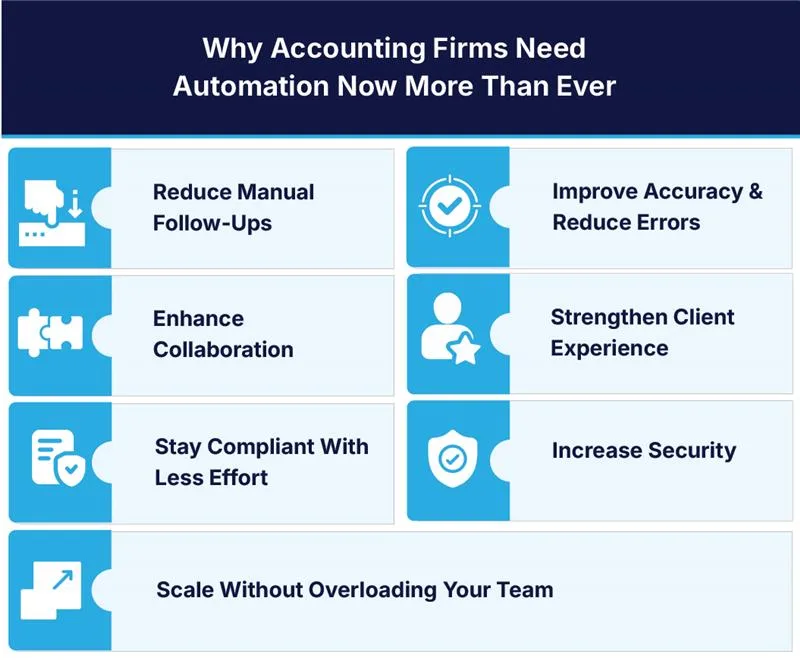
Below is a clear, updated breakdown of how automation elevates an accounting firm’s performance:
Save Time & Boost Productivity
Manual scheduling and status updates take up far more time than most firms realize. In fact, 45.8% of firms reported spending up to five hours a week just assigning work. With accounting automation tools handling these tasks, that weekly time drop becomes significant, freeing teams to focus on higher-value work instead of admin.
Reduce Manual Follow-Ups
Document collection is one of the biggest workflow bottlenecks for accounting firms. Chasing clients for files, sending reminders, and waiting for responses all slow down the process and disrupt momentum.

Looking for Advanced Tax Workflow Automation? Meet QX ROBO1040.
Built for CPA firms with tight deadlines and limited staff. Designed to deliver accurate, efficient results.
See how ROBO1040 helps firms accelerate tax season. arrow_forwardImprove Accuracy & Reduce Errors
Manual entry leads to misclassifications, missing data, and avoidable mistakes. Best-rated accounting reconciliation automation processes standardize inputs, auto-match transactions, and flag inconsistencies.
The result: cleaner books, fewer review corrections, and stronger compliance.
Enhance Collaboration
Strong collaboration is essential for smooth delivery, but manual workflows often leave teams working in silos. Automated accounting services bring everything together in one place: tasks, updates, files, and communication. This ensures everyone stays aligned without the need for constant check-ins or back-and-forth messaging. Teams move work through the system faster and with fewer misunderstandings.
Strengthen Client Experience
Onboarding is often the first point at which clients experience friction, and manual steps do nothing to improve this experience. Automation streamlines the entire process with faster document collection, built-in e-signatures, and real-time updates.
Clients get started quickly, communication becomes smoother, and your team spends less time managing back-and-forth.
Stay Compliant With Less Effort
Automation ensures accurate calculations, real-time updates, and audit-ready documentation. Firms avoid missed deadlines and compliance risks while reducing manual checks.
Increase Security
Cyber threats continue to rise, and accounting firms are among the most targeted. In 2023 alone, the financial services sector reported 744 data breaches, underscoring the vulnerability of manual processes and email-based file sharing.
Automation improves security by centralizing files in encrypted systems, enforcing stronger authentication, and providing clear access controls and audit trails. This reduces the risk of unauthorized access and ensures that sensitive client data is handled safely and in compliance.
Scale Without Overloading Your Team
As firms grow, manual work becomes unsustainable. Most recommended accounting automation platforms enable firms to handle more clients and more complex work without overburdening their staff. It creates a workflow that can grow with the firm, without adding extra headcounts.
Top 11 Accounting Automation Software Solutions for 2026
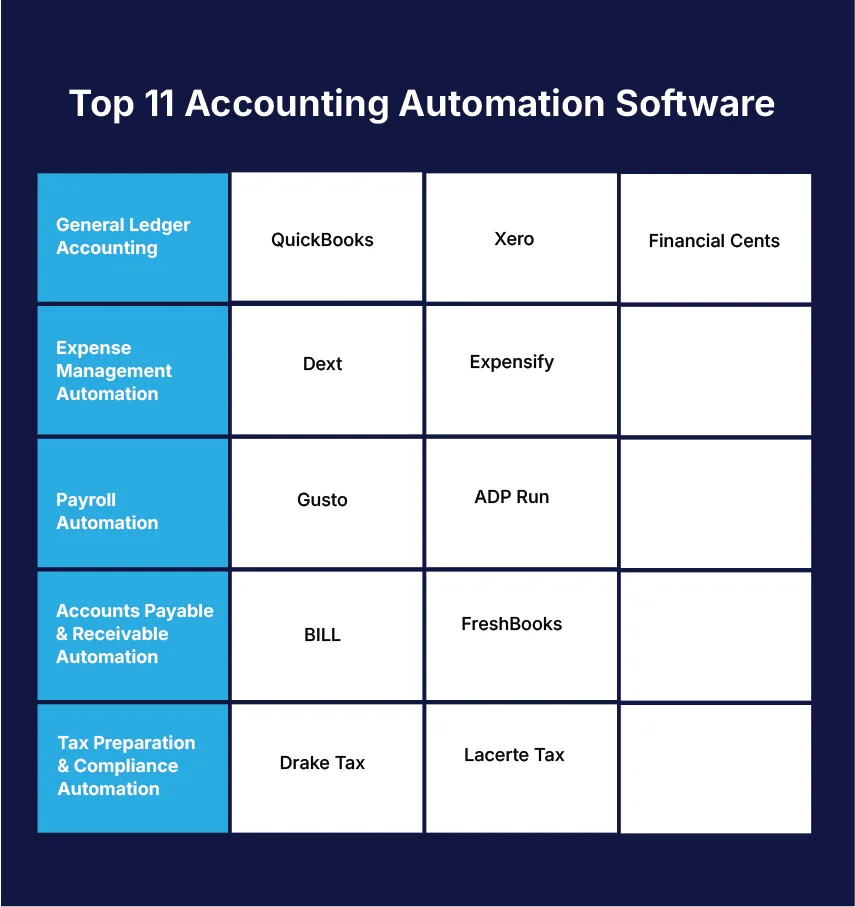
To make it easier to choose the right tools for your firm, we’ve grouped the best accounting automation software by category. This helps you understand which tools address specific operational challenges and where automation can have the greatest impact.
QuickBooks Online

Developed by Intuit, QuickBooks Online is a widely used platform for small and mid-sized businesses. It offers automated bookkeeping, invoicing, payroll, and reporting tools within an intuitive interface.
It’s considered one of the most efficient accounting software with automation for small business, with strong categorization and workflow automation.
Xero
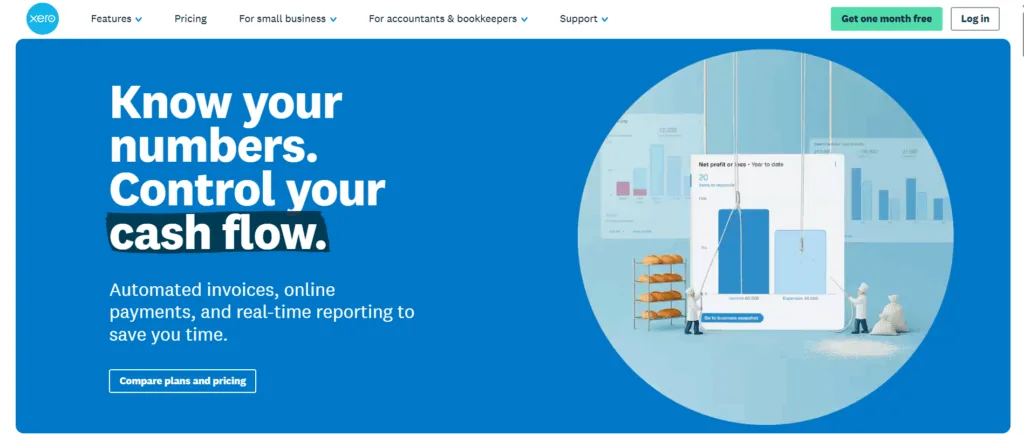
A long-time favorite among accountants, Xero continues to enhance its automation capabilities with rule-based bookkeeping, bank feeds, and an extensive ecosystem of integrations.
It supports invoicing, expense management, payroll, and financial reporting. Thus, making it ideal for SMEs looking for what’s the best software for automating accounting with integrations.
Financial Cents
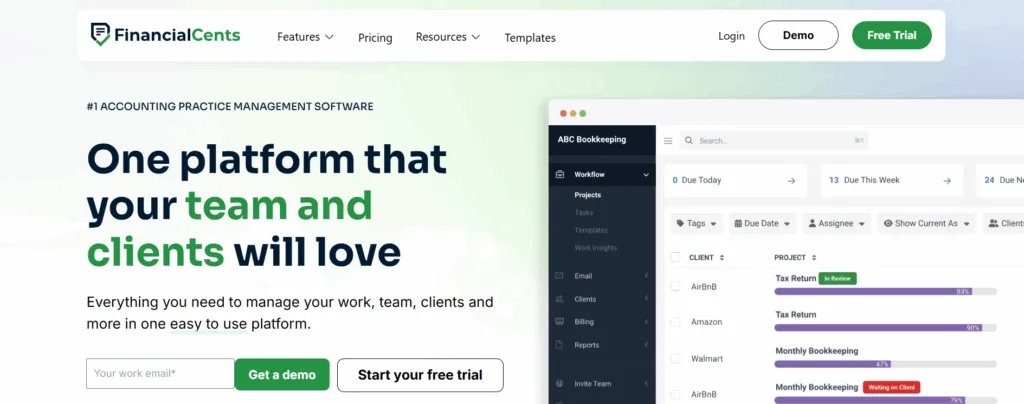
Financial Cents is a practice management platform built specifically for accounting firms. It streamlines workflows, automates repetitive tasks, tracks deadlines, and centralizes client communication.
Its automation-led approach helps firms scale operations without adding unnecessary admin overhead.
Dext
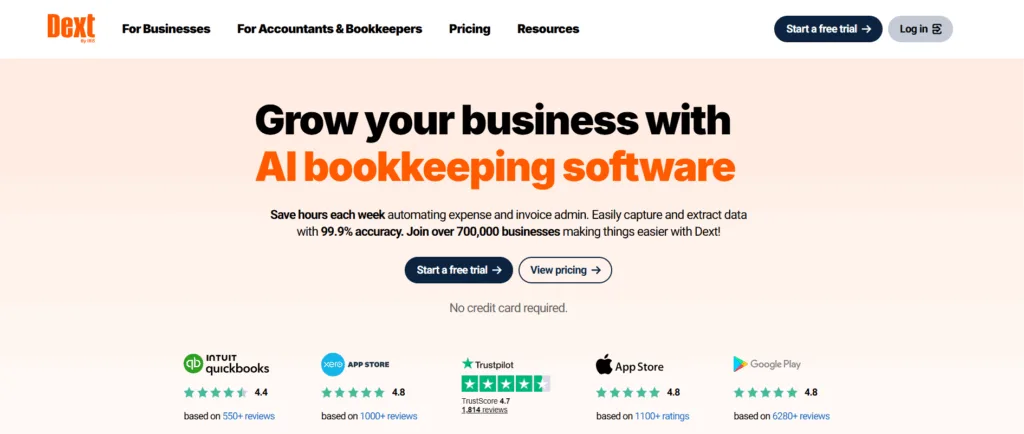
Dext (formerly Receipt Bank) is a leading accounting automation consulting, used for document and data extraction. It captures, categorizes, and processes receipts, invoices, and bills with high accuracy.
It is especially valuable for firms looking to remove manual data entry and speed up bookkeeping workflows.
Expensify
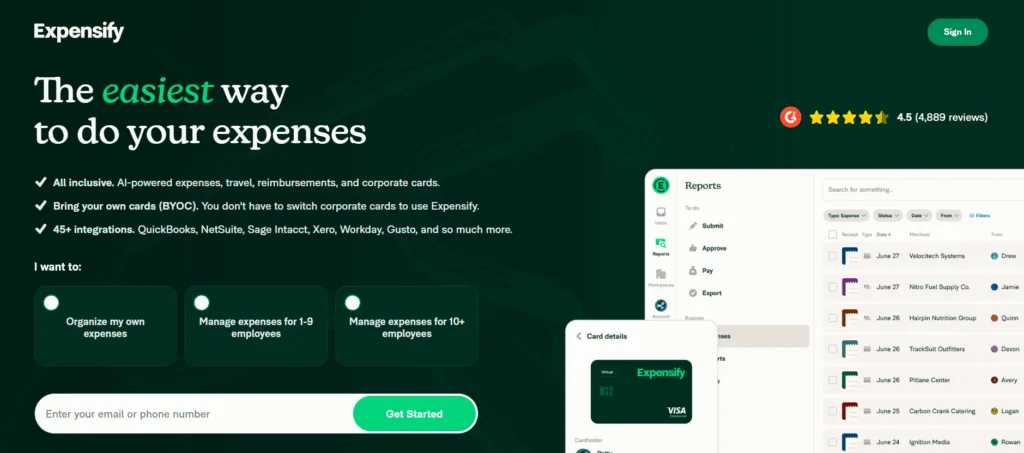
Expensify simplifies expense tracking, reimbursement, and reporting. Its AI-powered receipt scanning and automated categorization reduce manual review and ensure clean, accurate expense records.
Gusto
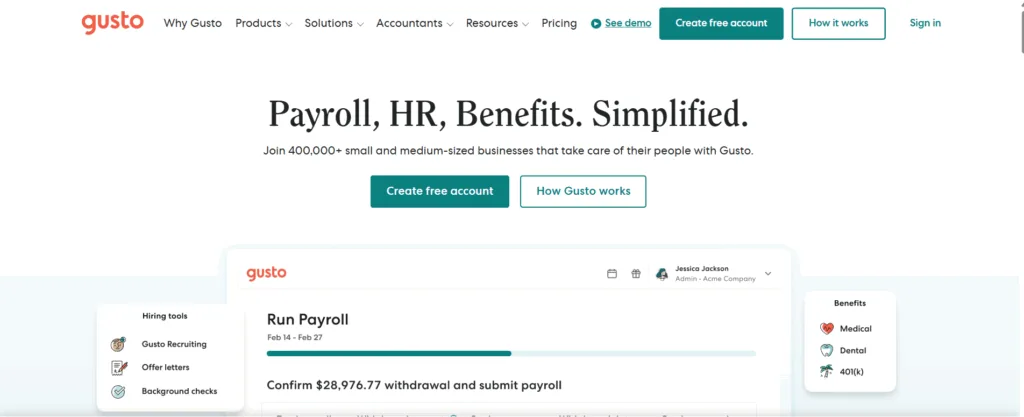
Gusto is a modern payroll and HR platform that automates payroll runs, tax filings, and employee onboarding. With compliance tools and benefits administration built in, it offers a complete payroll automation solution for businesses of all sizes.
ADP Run
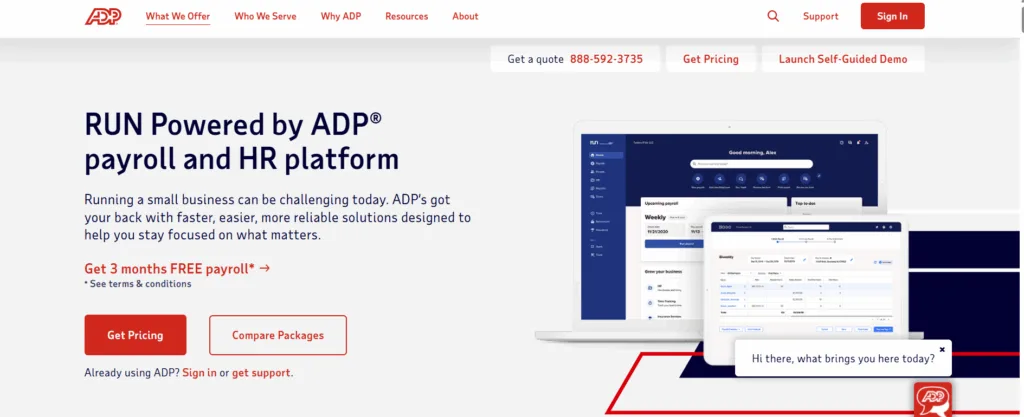
ADP Run is a cloud-based payroll and HR platform designed for small businesses. It improves payroll processing, streamlines compliance, and provides add-on HR tools to help firms manage workforce needs efficiently.
BILL
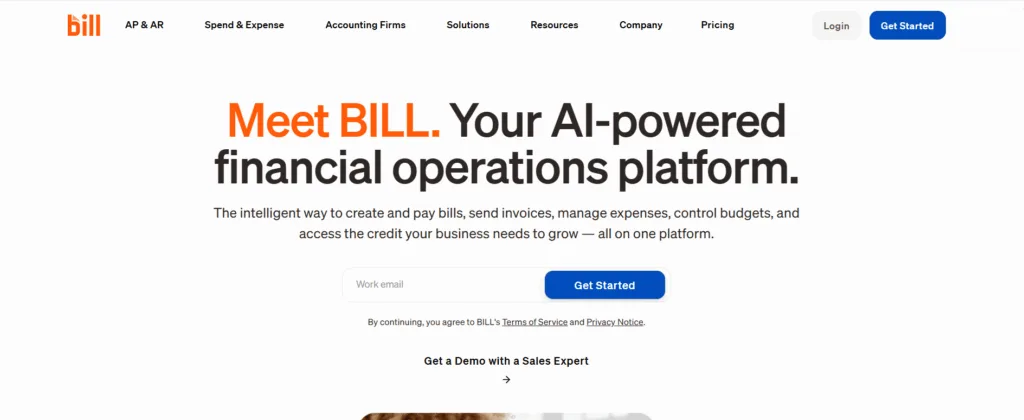
Formerly known as Bill.com, BILL automates accounts payable and receivable processes. It digitizes invoices, manages approvals, schedules payments, and streamlines cash-flow operations, making AP/AR management far more efficient.
FreshBooks
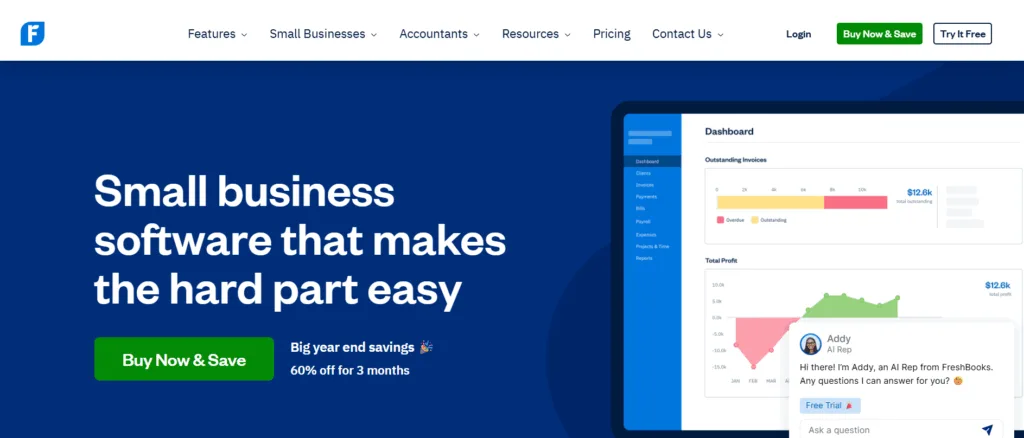
FreshBooks is an accounting platform tailored for small businesses, freelancers, and self-employed professionals. It simplifies invoicing, expense tracking, time tracking, and basic bookkeeping—ideal for firms managing smaller clients.
Drake Tax
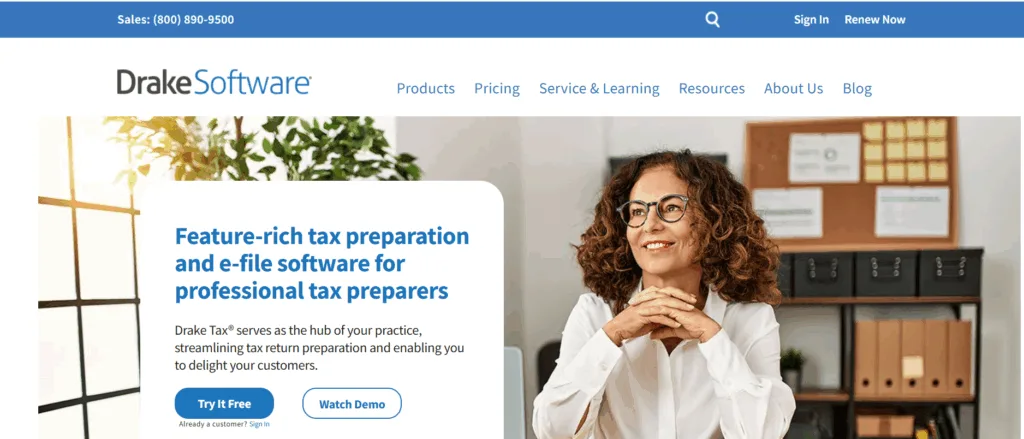
Drake Tax supports efficient preparation and filing of federal and state tax returns for both individuals and businesses. Its automation features help firms handle high-volume tax workflows with less manual input.
Lacerte Tax

Developed by Intuit, Lacerte Tax is built for firms that handle complex tax returns. It offers advanced automation tools, form coverage, and integrations that help tax professionals complete detailed returns faster and with fewer errors.
Start Automating Today
Automation has become essential for firms seeking to remain competitive in 2026. With tighter deadlines, growing compliance demands, and higher client expectations, manual workflows can’t keep up. The right automated accounting solutions save time, reduce errors, enhance collaboration, and deliver a more seamless client experience.
If you’re just starting your automation journey, begin with small steps. Choose one or two tools that solve your biggest challenges, whether it’s bookkeeping, workflow management, document capture, or payroll. Once you see the impact, you can expand your automation stack to streamline even more areas of your firm.
FAQs
1. How do we decide which parts of our workflow should be automated first?
Start by identifying repetitive, rules-based tasks that take the most time but require the least judgment, such as document collection, categorization, tax data extraction, reconciliations, and task routing. Automating these first delivers immediate efficiency gains and frees staff to focus on review and advisory work. High-volume areas like tax prep, AP/AR, and bookkeeping often deliver the fastest ROI.
2. How can we ensure automation tools integrate smoothly with our existing systems?
Compatibility matters more than features. Before choosing a tool, verify that it integrates with your accounting platform (QuickBooks, Xero, NetSuite), tax software (Lacerte, Drake, ProSystem), and practice management system. A strong automation tool should seamlessly integrate into your current tech stack without necessitating major process redesigns.
3. Will automation reduce the need for staff during the busy season, or just shift the bottleneck elsewhere?
The goal isn’t to replace people. It’s to remove low-value work that slows them down. When automation is applied correctly, it shortens preparation time, reduces rework, and provides reviewers with cleaner inputs to work with. This prevents bottlenecks from moving up the chain. Tools like ROBO1040 help ensure that review capacity rises alongside preparation speed.
4. How do we measure whether an automation tool is actually improving efficiency?
Track metrics before and after implementation, including:
- time spent on manual prep or data entry
- turnaround time per engagement
- reviewer hours per return or workflow
- error/rework rates
- number of clients handled per staff member
- staff workload and overtime hours
Real improvements show up in reduced manual workload, fewer corrections, and smoother peak-season operations.
5. Do automation tools increase security risks by centralizing data, or do they make our systems safer?
Automation generally strengthens security. Reputable tools use encrypted storage, access controls, MFA, and audit trails that manual processes simply cannot provide. The risk originates from scattered spreadsheets and unsecured email exchanges, rather than from centralized, automated systems. When evaluating tools, look for SOC-compliant platforms and strong permission controls.

Gaurav Bhansali
Gaurav Bhansali is the VP of US Operations at QXAS and in his current role, he partners with firms to transform how tax and accounting services are delivered. He’s a licensed US CPA and EA with prior experience at EY, and he focuses on automation, process improvement, and AI-led solutions that make outsourcing smarter and more effective.
Unauthorized copying or plagiarism of our content is a violation of intellectual property rights. We take such matters seriously and will pursue legal action to protect our original work. Anyone found engaging in such activities will be held accountable under applicable laws.
Don't forget to share this post!
Our Latest Insights




Let’s Work Together
Explore outsourcing solutions, request a free trial or discuss your practice’s needs with our expert consultants.
 Book a Virtual Meeting
  Get Your ROI Estimate